Pretend play
Old gadgets tinkering box
Fill a box with old remote controls, a keyboard, CDs and unplugged cables, minus batteries, for tinkering.

- Age
- 2.5 to 6 years
- Play time
- 30 min
- Set-up
- 5 min prep
- Where
- Indoors
- Who
- Any number of kids
- Clean-up
- Low mess
Children know perfectly well which buttons the grown-ups press, and a box of retired remotes and a dead keyboard gives them a go at last. Expect phone calls to Grandma, an urgent email typed with two fists and a CD used as a steering wheel. It fills that stretch when you are at a desk yourself, though you do need to be in the room. The prep is the real job: every battery out before anything goes in the box.
How to play
-
Collect a few safe, broken or outdated gadgets, such as old remote controls, a keyboard, CDs and short unplugged cables.
-
Take out every battery, including small button batteries, and check that the battery covers are back on or removed completely.
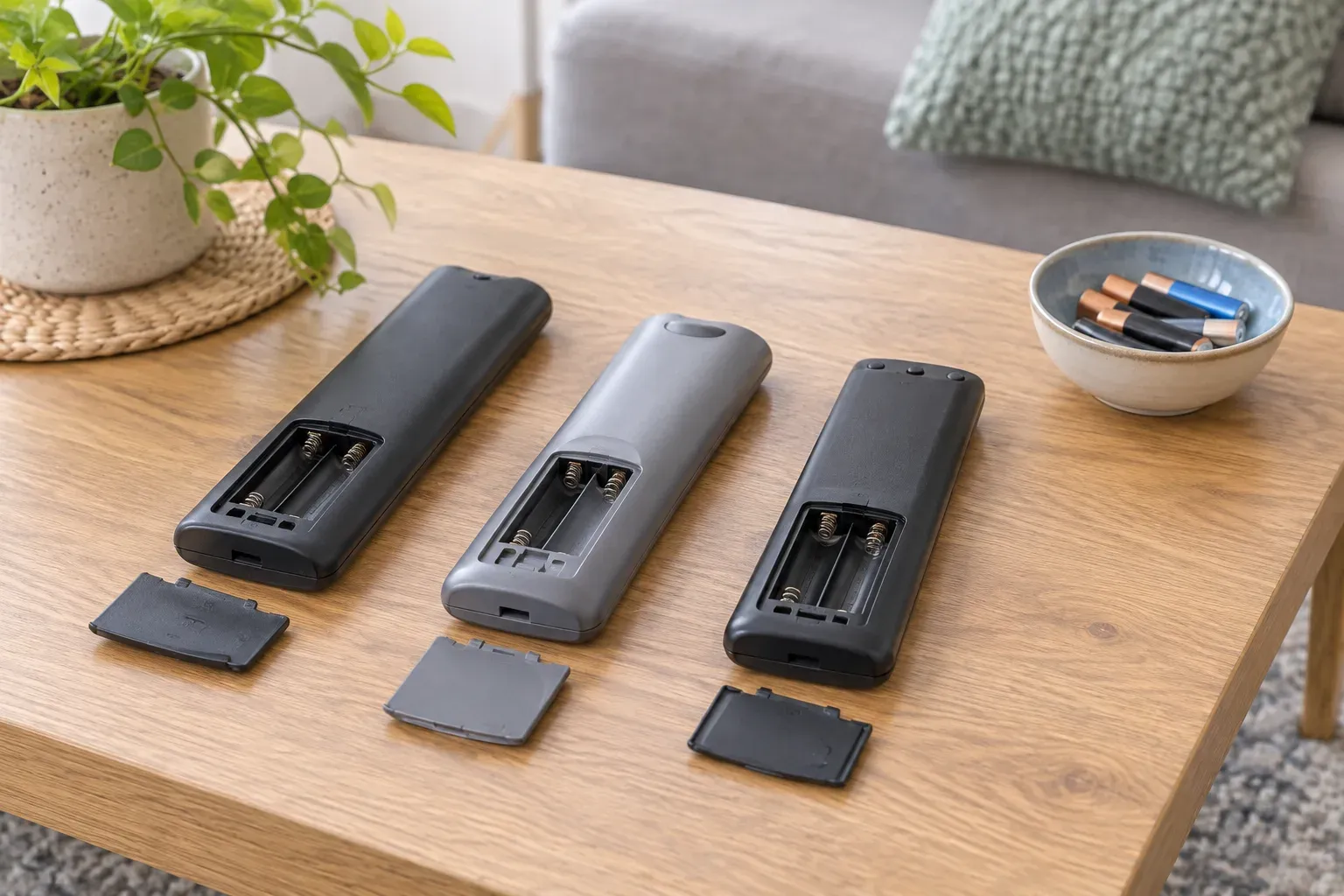
Every battery comes out before the box goes on the floor. -
Leave out anything with sharp edges, cracked casing or a long cord.
-
Put everything in a box and set it on the floor or a table.
-
Let your child press the buttons, tap the keys and invent their own uses. It might become a spaceship panel, an office or a shop till.
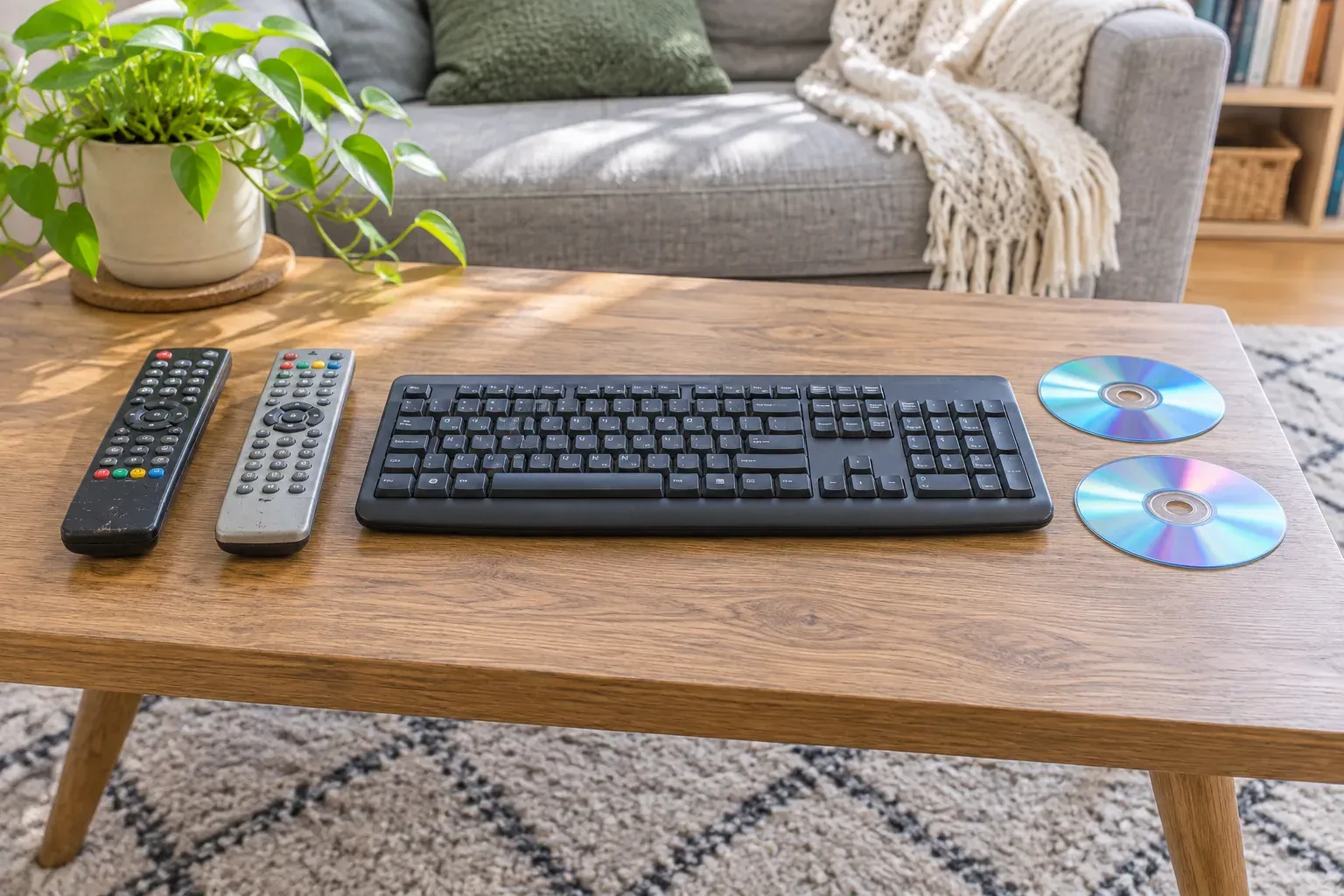
Today it is a spaceship panel. Tomorrow, a shop till. -
Stay with them throughout and check the gadgets for loose parts before putting the box away.
What you need
- old remote controls
- old keyboard
- CDs
- unplugged short cables
- box
Don't have it?
- No old keyboard? A calculator with its battery removed gives the same satisfying buttons.
- No old remote controls? Ask grandparents or neighbours, since most houses have a drawer of them, or use a retired landline handset with the cord taken off.
Stay close
Remove batteries, avoid long cords and supervise throughout.
What they are practising
- creativity. Turning a keyboard into a shop till or a spaceship panel means inventing a use the object never had.
- language. Pretend phone calls and typed messages get your child talking in the voices and phrases they have heard adults use.
- problem solving. Finding which buttons click, which slide and which do nothing is a matter of testing each one.
Make it easier
For the youngest, offer two remotes and the keyboard and leave the cables out. Press buttons alongside them and say what you are pretending to do.
Make it harder
An older child can set up an office or a control room, with paper for messages and a job to carry out. Ask them to find which buttons on one remote do the same job as those on another.
Parents ask
- Is it safe to let a child handle old electronics?
- Yes, if nothing is plugged in, every battery is out and the casing is whole. Bin anything cracked, and check for keys or buttons working loose each time the box comes out.
- What about the button batteries in small remotes?
- Take them out yourself and put them straight out of reach, well away from where your child plays. They are dangerous if swallowed, so this is the one step not to rush.
- My child wants to take things apart. Should I let them?
- Not from this box, since the insides have sharp and small parts. Keep it to pressing and pretending.
Find more like this
2 year olds3 year olds4 year olds5 year oldsIndoorsLow messPretend playWith a cardboard box